
Comparison chart
Easily compare your product features with your competitor's to find the perfect fit for your product. Use this template
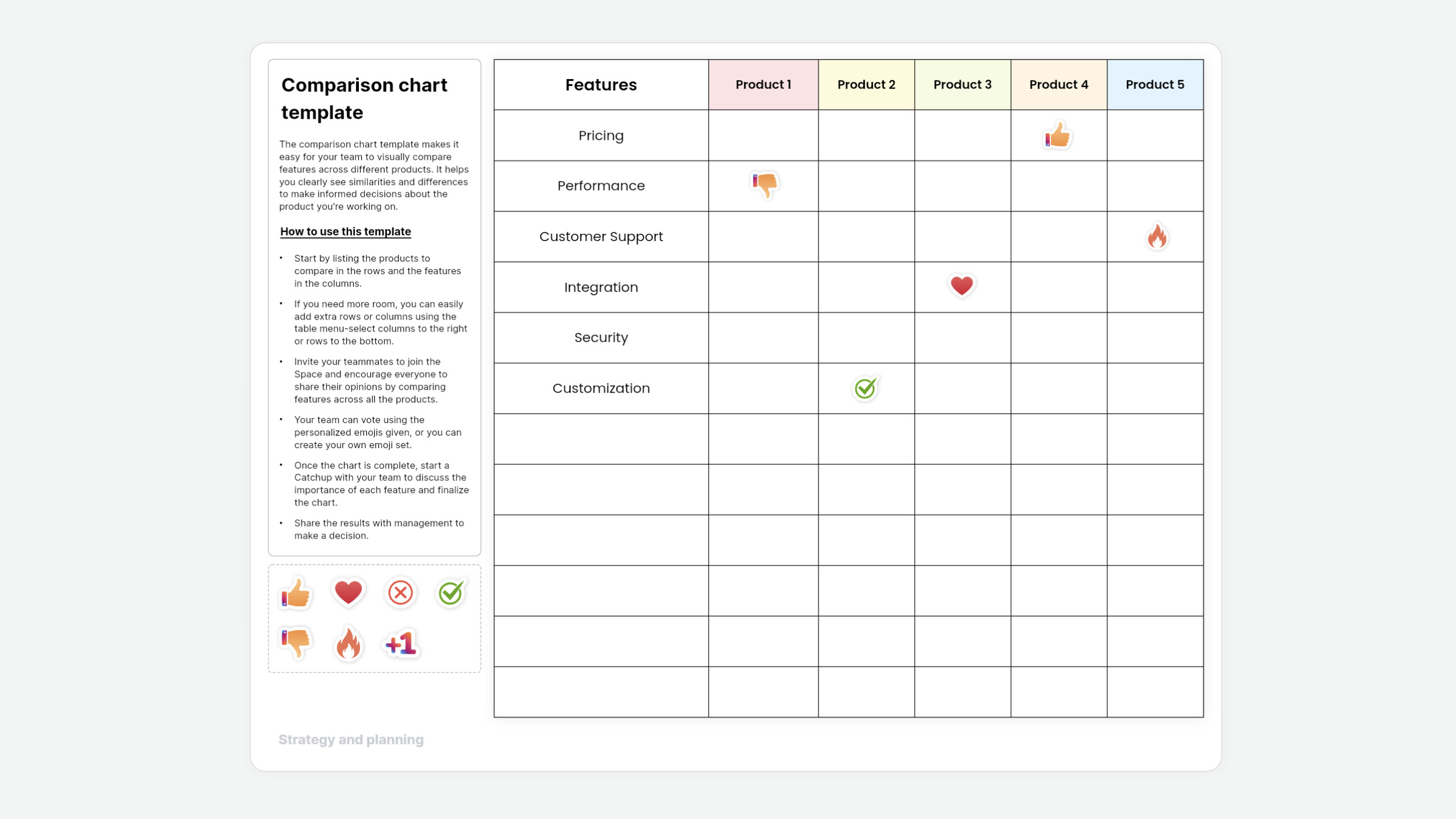
What is a comparison chart template?
The comparison chart template makes it easy for your team to visually compare features across different products. It helps you clearly see similarities and differences to make informed decisions about the product you're working on.
Who is this template for?
This template is versatile and can be used by anyone to make your decisions faster, smoother, and well-organized—whether you're a professional in business or a consumer who likes to compare products before you buy.
How to use this template
- Start by listing the products to compare in the rows and the features in the columns.
- If you need more room, you can easily add extra rows or columns using the table menu—select columns to the right or rows to the bottom.
- Invite your teammates to join the Space and encourage everyone to share their opinions by comparing features across all the products.
- Your team can vote using the personalized emojis given, or you can create your own emoji set.
- Once the chart is complete, start a Catchup with your team to discuss the importance of each feature and finalize the chart.
- Share the results with management to make a decision.